Authentication
Colota supports multiple authentication methods, configurable in Settings → Connection → Authentication. The method is a choice of three rows, each saying what it sends, and only the chosen method's fields are shown.
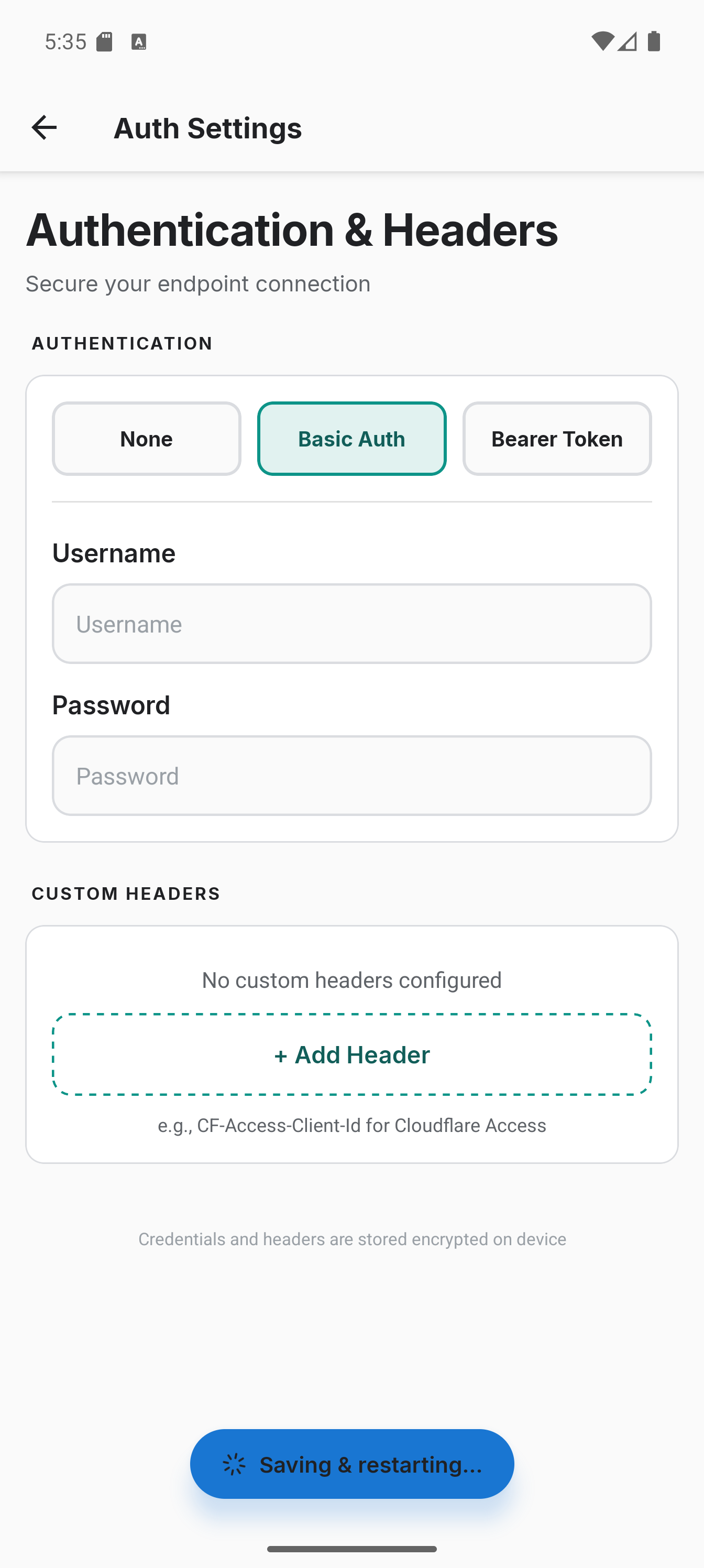
Methods
| Method | Description | Sent at |
|---|---|---|
| None | No Authorization header; use with a key in the address, a custom header or a client certificate (default) | -- |
| Basic auth | Username and password, encoded, not encrypted; only safe over https | Authorization: Basic <base64> |
| Bearer token | API token / JWT | Authorization: Bearer <token> |
| Custom headers | Any key-value pairs | HTTP header |
| Client certificate | PKCS12 (.p12 / .pfx) or a device certificate for mutual TLS | TLS handshake (mTLS) |
Choosing a method removes the credentials stored for the other methods, so picking None is how a stored password or token is cleared. A client certificate is orthogonal to the HTTP-level methods and can be combined with any of them - a common setup is mutual TLS at the reverse-proxy layer plus a bearer token at the application layer. It has its own screen, Settings → Connection → Client certificate; see Client certificate.
Credential Storage
HTTP credentials (Basic auth, bearer tokens, custom headers, imported server CAs) are stored encrypted on-device using Android's EncryptedSharedPreferences and included in encrypted backups. A stored password or token is never shown again: its field stays empty and the note under it says it is set, and typing replaces it. Credentials never leave the device except as HTTP headers sent to your configured endpoint and inside a setup link you share, which carries them in the clear.
Client certificate private keys are stored in the OS keystore, kept separate from other app credentials. The PKCS12 password you enter is used once during import and is not saved.
Custom HTTP Headers
Add arbitrary HTTP headers for proxies, API gateways, or services like Cloudflare Access. Each header is a name and value pair sent with every request. A value under a name that looks like a credential (authorization, cookie, token, key, secret) is masked while you type. A name already used above is marked on its field, because only the last value is sent.
Testing with curl
Replicate what Colota sends using curl to test your server:
Basic auth:
curl -X POST https://your-server.com/api/location \
  -H "Content-Type: application/json; charset=UTF-8" \
  -H "Authorization: Basic $(echo -n 'user:password' | base64)" \
  -d '{"lat":48.135,"lon":11.582,"acc":12,"vel":0,"batt":85,"bs":2,"tst":1704067200}'
Bearer token:
curl -X POST https://your-server.com/api/location \
  -H "Content-Type: application/json; charset=UTF-8" \
  -H "Authorization: Bearer YOUR_TOKEN_HERE" \
  -d '{"lat":48.135,"lon":11.582,"acc":12,"vel":0,"batt":85,"bs":2,"tst":1704067200}'