API Templates
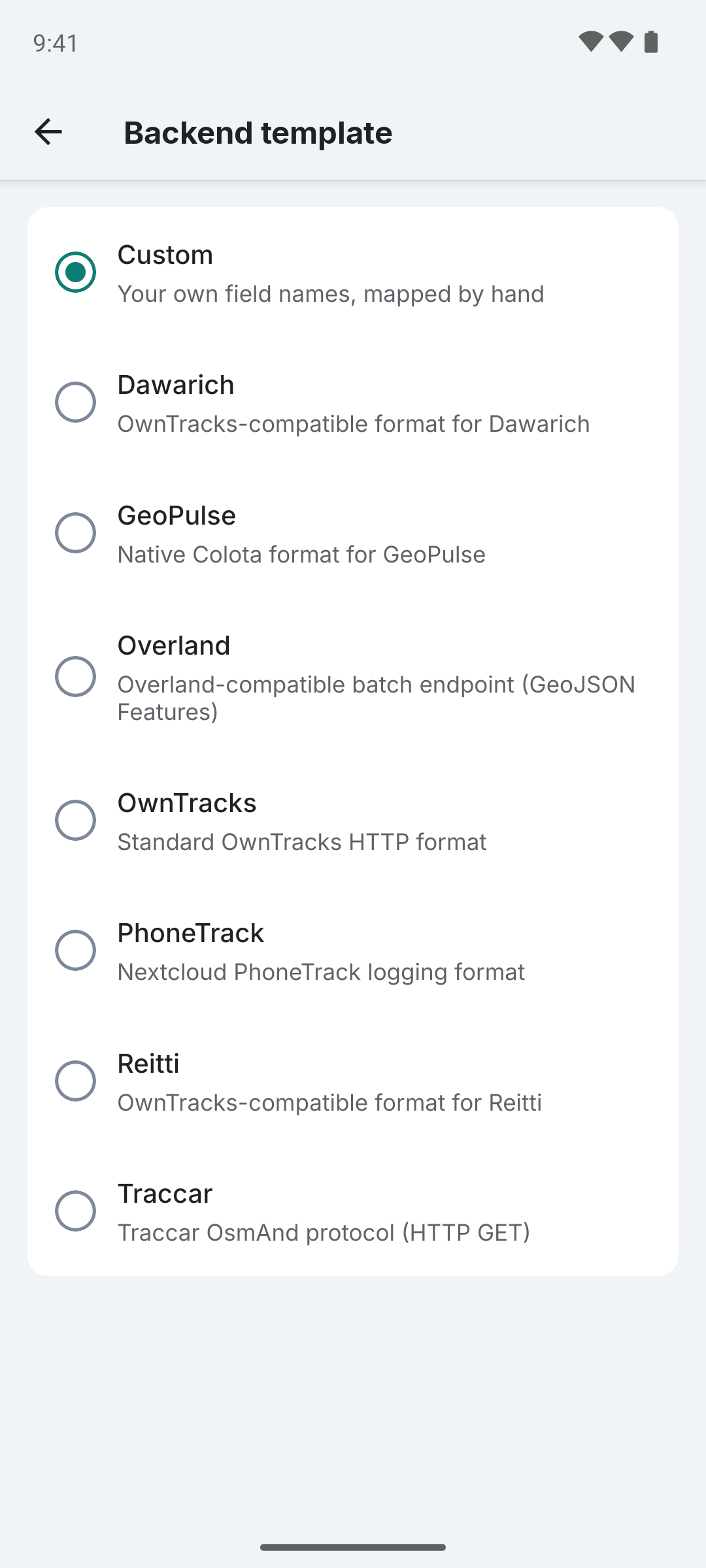
Colota includes built-in templates for popular backends. Select a template in Settings > Connection > Request format to auto-configure field mappings and custom fields.
| Template | HTTP method | Bearing Field | Custom fields | Notes |
|---|---|---|---|---|
| Dawarich | POST | cog | _type: "location" | OwnTracks single-point format. Optional Batch chip switches to Overland envelope (see Dawarich integration). |
| GeoPulse | POST | bear | (none) | Native Colota format |
| Overland | POST | n/a (uses Overland format) | device_id: "colota" | Batch-only Overland GeoJSON envelope. For any backend that accepts the Overland format (Compass, Wayfinder, Dawarich, etc). |
| OwnTracks | POST | cog | _type: "location", tid: "AA" | Standard OwnTracks HTTP format |
| PhoneTrack | POST | bearing | useragent: "Colota" | Nextcloud PhoneTrack format |
| Reitti | POST | bear | _type: "location" | Standard field names |
| Traccar | GET or POST | bearing | id: "colota" | GET: OsmAnd query params, POST: Traccar JSON |
| Custom | POST | bear | (none) | Fully user-defined |
All templates share the same base fields (lat, lon, acc, alt, vel, batt, bs, tst) with different field names. Key differences are the HTTP method, bearing field name, and auto-included custom fields.
When you select a template, field mapping, custom fields, and HTTP method are automatically configured. You can still customize individual fields or switch the HTTP method after applying a template.