Quick Start
Minimal setup to start tracking:
- Install the app (Google Play, F-Droid, IzzyOnDroid or APK)
- Grant location permissions - select Precise location and Allow all the time
- Grant notification permission - optional. On Android 13 and later, refusing it hides the tracking status notification
- Disable battery optimization for Colota in Android settings (otherwise background tracking won't work reliably)
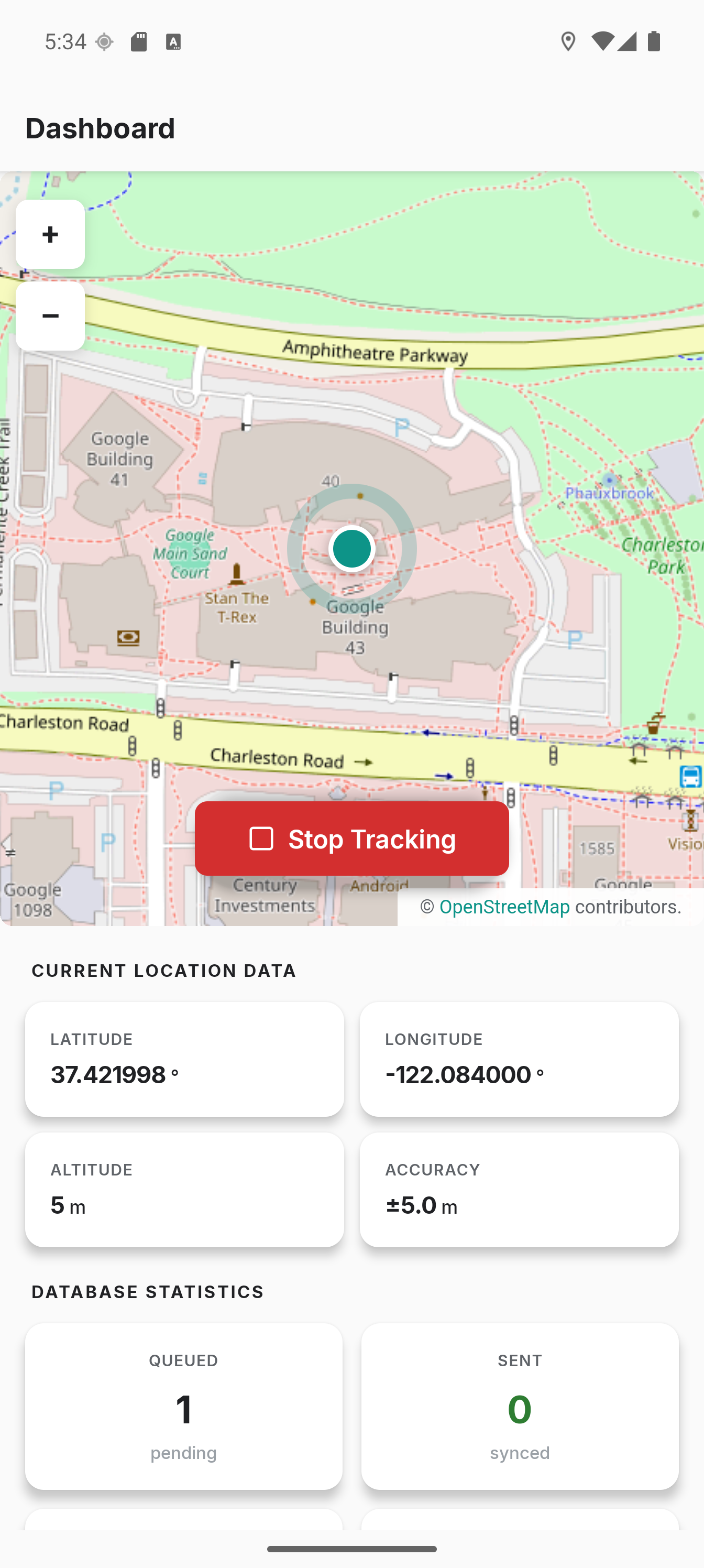
- Press Start Tracking
- View live coordinates on the dashboard
The app works completely offline. Server setup is optional.
Next Steps
- Configure tracking settings to adjust tracking intervals
- Set up a server to sync location data
- Create geofences to save battery at home or work
- Battery optimization tips to reduce power usage